Is TI-Nspire CX II CAS Allowed on the SAT?
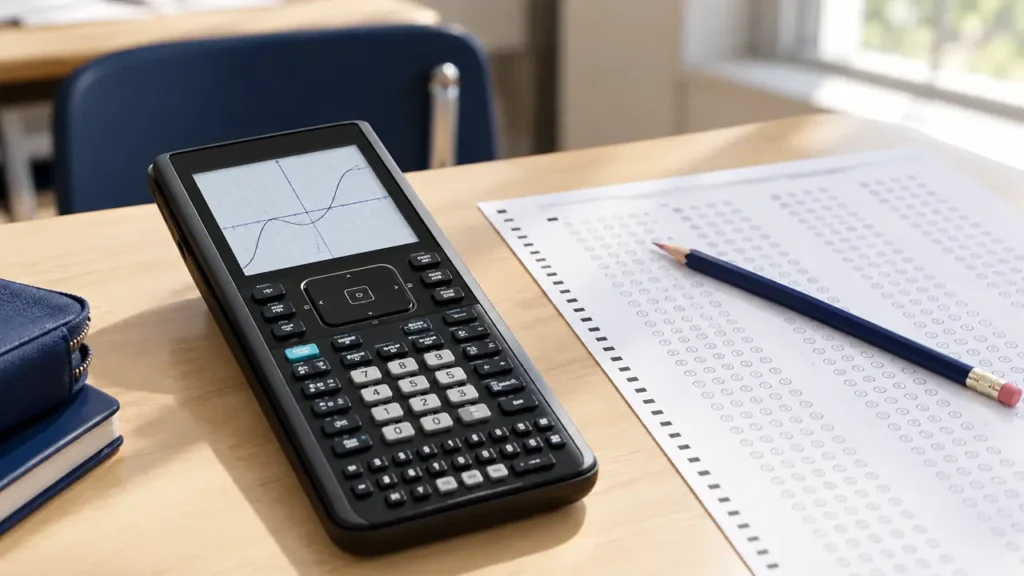
No. The TI-Nspire CX II CAS is not allowed on the SAT. The College Board prohibits calculators with a built-in computer algebra system, or CAS. The TI-Nspire CX II CAS includes CAS functionality, so it remains prohibited even if you place it in Press-to-Test or another restricted mode.
Why the TI-Nspire CX II CAS Is Prohibited
A CAS calculator can manipulate mathematical expressions symbolically. For example, it may simplify algebraic expressions, factor polynomials, solve equations symbolically, and produce exact derivative or integral expressions. These capabilities go beyond ordinary numerical calculation and graphing.
The SAT calculator policy excludes calculators with built-in CAS functionality. The restriction applies to the calculator model itself. Turning off selected features or activating an exam-related mode does not change the model’s CAS status.
TI-Nspire CX II CAS vs. TI-Nspire CX II
| Model | CAS functionality | SAT status |
|---|---|---|
| TI-Nspire CX II CAS | Yes | Not allowed |
| TI-Nspire CX II | No built-in CAS | Listed as permitted, subject to College Board rules |
The two models have similar names and appearances, but they are not interchangeable for exam-policy purposes. Check the label on the calculator itself. The word CAS in the model name is the critical distinction here.
Does Press-to-Test Make the TI-Nspire CX II CAS SAT-Approved?
No. Press-to-Test is a calculator configuration used to restrict or manage certain functions. It does not remove the CAS system from the calculator or convert the model into a non-CAS calculator.
Exam mode and exam eligibility are separate questions:
- Exam mode controls calculator settings or access to selected functions.
- Exam eligibility is determined by the College Board’s calculator policy.
A calculator may have an exam mode and still be prohibited from the SAT. The TI-Nspire CX II CAS falls into this category.
Can You Use a TI-Nspire CX II CAS for Any Part of the SAT?
No. The restriction applies to the SAT exam, rather than only to a particular math module. Students should not plan to use the TI-Nspire CX II CAS during either SAT Math module.
The digital SAT also provides an on-screen Desmos calculator during the Math section. Students can use the built-in calculator without bringing an external device. An approved personal calculator is optional, so bringing a prohibited calculator is unnecessary and can create a test-day problem.
What Happens If You Bring It to the Test Center?
Do not plan to use the TI-Nspire CX II CAS on the SAT. Test-center staff may check calculators, and prohibited electronic devices may need to be put away. Calculator rules and device rules can affect whether an item is permitted in the testing room, so bringing a prohibited model offers no practical benefit.
Before test day, use an approved calculator or rely on the built-in Desmos calculator. Also follow the current instructions in your SAT admission and testing materials, since test-center procedures can change.
What Calculators Can You Use Instead?
College Board generally permits many standard scientific and graphing calculators, provided they meet the current SAT restrictions. Examples of calculator types that may be permitted include:
- Four-function calculators without prohibited features
- Scientific calculators
- Non-CAS graphing calculators
Commonly used non-CAS models may include the TI-84 Plus family and the non-CAS TI-Nspire CX II. Model eligibility should still be checked against the current College Board calculator policy rather than assumed from a retailer listing or a calculator’s popularity.
Calculators with CAS, QWERTY keyboards, internet access, or other prohibited features may not be allowed. A calculator’s ability to graph or perform numerical calculations does not determine eligibility by itself. The exact model and its functions matter.
How to Prepare Before the SAT
- Identify the exact model name printed on your calculator.
- Check whether the model includes CAS functionality.
- Review the current College Board calculator policy before the test date.
- Confirm that the calculator has fresh or adequately charged batteries.
- Practice with an approved calculator or the built-in Desmos calculator.
- Bring only permitted equipment and follow the instructions provided by the test center.
If your calculator is labeled TI-Nspire CX II CAS, do not bring it as your SAT calculator. Use the approved non-CAS TI-Nspire CX II, another calculator that meets the current rules, or the calculator provided within the digital SAT testing application.