TI-84 Plus CE Review: Features, Capabilities, and Limitations
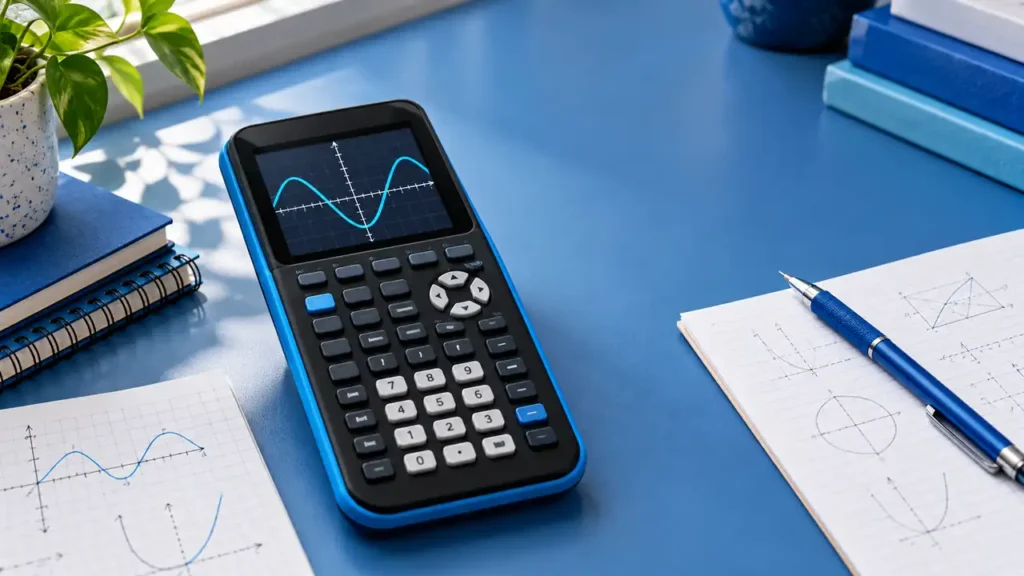
The TI-84 Plus CE is a color, rechargeable graphing calculator built around the familiar TI-84 workflow. Its strengths are a bright high-resolution screen, extensive graphing and statistics tools, and compatibility with TI classroom materials. Its main limitation is equally important: the standard TI-84 Plus CE is a numerical, non-CAS calculator. It can find numerical roots, derivatives, and integrals, but it does not turn expressions into exact symbolic algebra results.
Quick Answer
Choose the TI-84 Plus CE when your class, teacher, or exam preparation materials use the TI-84 key layout and you want color graphs, a rechargeable battery, and broad graphing-calculator coverage. It is a reasonable fit for algebra through calculus coursework that expects numerical graph analysis. Look elsewhere if your work depends on symbolic algebra, built-in 3D graphing, or a full programming environment. Also distinguish this standard model from the separately named TI-84 Plus CE Python Edition: the Python environment is not a feature to assume on every CE unit.
| Area | What the TI-84 Plus CE provides |
|---|---|
| Display | 2.8-inch diagonal, 320 × 240 color screen, backlit, 16-bit color |
| Power | Rechargeable TI battery; USB cable supports computer connection and charging |
| Graphs | Rectangular, parametric, polar, and sequence graphs; numerical graph analysis |
| Algebra mode | Non-CAS; numerical results rather than general symbolic manipulation |
| Programming | TI-Basic; Python belongs to the distinct CE Python Edition |
| 3D graphing | No built-in 3D graphing app documented for this model |

To buy this product, click here.
What the TI-84 Plus CE does well
Color graphing in a familiar TI-84 layout
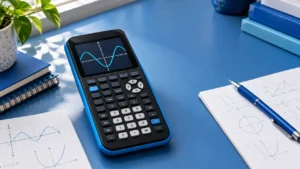
The 320 × 240 display gives function graphs, tables, and plotted data more room than the older monochrome TI-84 Plus family. Color can help separate multiple curves, mark points, or identify a selected graph. The screen remains a calculator display rather than a tablet interface: most operations still rely on dedicated keys and menus, which can be useful when instruction is built around button-by-button TI-84 lessons.
The graphing environment covers rectangular functions along with parametric, polar, and sequence equations. TI documents up to ten rectangular, six parametric, six polar, and three recursively defined sequence graph expressions. You can compare graphs with tables and use numerical analysis tools to locate roots, maxima, minima, definite integrals, and derivatives. These features support visual exploration and checking work; they do not replace an explanation of the underlying method.
Useful numerical tools beyond graphing
The calculator includes equation solving, matrix operations, lists, statistics, probability distributions, and finance tools. MathPrint formatting displays many expressions in a textbook-like layout, which can make fractions and nested expressions easier to inspect. The built-in applications and downloadable TI software ecosystem also give teachers a common reference point for lessons and classroom files.
The word “solve” needs context. A numerical solver can approximate a solution or find one under a chosen interval or starting value. A CAS can manipulate an equation symbolically, factor an expression, or return an exact form. The standard CE belongs to the first category. For example, it can help find a numerical zero of a plotted function, but it is not a general system for transforming an algebraic expression into a factored identity.
Rechargeable power and classroom transfer
The rechargeable battery reduces dependence on a set of disposable batteries, and the USB cable connects the calculator to a computer and supports charging. A computer connection is relevant for transferring compatible files or using TI software; it does not make the calculator a desktop application. Confirm current computer operating-system and software requirements with TI before planning a classroom workflow.
Important limitations
Standard CE does not mean Python edition
TI sells a separately named TI-84 Plus CE Python Edition. The Python environment is tied to that edition, not something to assume from the words “TI-84 Plus CE” alone. TI notes that the broader family supports TI-Basic, while the Python edition adds its Python environment. If programming in Python is central to your decision, verify the exact model printed on the unit and the listing. If it is not, the standard CE can still run TI-Basic programs.
No general CAS and no built-in 3D graphing
The calculator’s graph analysis is numerical. It does not provide a general symbolic algebra system for exact simplification, symbolic equation solving, limits, or indefinite integration. Nor does the official CE feature list document a 3D graphing mode. Students who need those functions should compare the TI-Nspire CX II CAS or HP Prime, while checking each school’s and examination body’s rules before taking a CAS model into an exam.
Storage figures are not the same as working memory
TI lists 3 MB of Flash ROM for data and applications and 149 KB of free RAM for the standard CE specification. Those capacities describe different kinds of memory; a storage number should not be presented as if all of it were available as working memory. If a particular app or classroom file matters, check its requirements instead of relying on the headline storage figure.
Exam and classroom use
Exam eligibility is set by the exam administrator and can change. For the SAT, the College Board currently permits graphing calculators that meet its non-CAS policy, while algebra-enabled programs, stored documents, and related capabilities can be restricted or must be removed. See the College Board SAT calculator policy shortly before test day.
For ACT, the current ACT calculator policy allows many graphing calculators subject to its prohibited-feature and program/document rules. For AP, the AP calculator policy varies by subject. The 2027 AP Biology and AP Environmental Science policy changes prohibit handheld graphing calculators with storage on those exams, so approval for one AP course does not imply approval for another.
In class, the CE is easiest to justify when a teacher’s instructions, saved files, or shared examples target the TI-84 family. A student joining a course that teaches a different interface may spend time translating key sequences even where the mathematical ideas are the same.
How its feature set fits typical coursework
For a function study, the CE can display several related expressions, show a table, and use numerical graph analysis to estimate a zero or extremum. A student can then compare that numerical evidence with algebraic work on paper. For a data exercise, lists and statistics tools can store observations and support calculations such as regression or distribution analysis. For an introductory calculus task, numerical derivative and definite-integral values can help examine local change or accumulated area. In each case the device helps calculate or visualize; the student still chooses the correct model, interprets the answer, and explains the reasoning.
This distinction can make the CE a good fit in a class that explicitly teaches graphical and numerical checks. It is less suited to a workflow where the calculator is expected to produce symbolic steps. Before choosing the device for a calculus or algebra course, look at the kinds of final answers students must submit: decimal approximations, exact expressions, written derivations, and calculator screenshots are different requirements.
Reading memory and graph specifications
The CE’s storage and working-memory numbers answer different questions. Flash ROM is where the calculator stores applications and files, while RAM is a separate operating resource. A download requirement should be checked against the free space and the app’s stated model support, rather than assuming the headline storage figure is entirely available. TI also lists different graph limits for rectangular, parametric, polar, and sequence modes, so the maximum number of visible expressions depends on the graph type.
Likewise, a listed numerical feature describes a capability, not a promise that every input has one unique answer. Root finding can depend on a selected interval, and an extremum tool looks within a window. When the model or domain matters, use graph and numeric tools as evidence to check against the original equation and course method.
Buying and setup checks
Confirm the full model name before purchase. Standard TI-84 Plus CE, TI-84 Plus CE Python Edition, and the newer TI-84 Evo are separate products with different feature sets. Check whether the seller’s photos and description agree on the model and color, whether the rechargeable battery and USB cable are included, and whether the product is new, used, or refurbished. If the course needs a specific TI app or classroom software, verify its current compatibility with the CE and with the computer you will use.
After acquiring the calculator, review TI’s guide and your instructor’s setup directions before installing applications or transferring files. Keep exam preparation separate from class preparation: a program or document that is useful in a lesson may need to be removed or disabled for a test. A short pre-course checklist—model variant, software, course files, charging cable, and exam policy—can prevent a mismatch that would otherwise appear only after class begins.
Who should consider it?
A good fit: students whose classes use TI-84 instructions; users who value a color screen and rechargeable battery; and learners who need broad 2D graphing, numerical calculus analysis, statistics, and standard calculator tools.
Consider another model: users who need a true CAS, built-in 3D graphing, or Python on the calculator itself; students whose course requires another model; and test takers who have not checked the administrator’s current rules. The TI-Nspire CX II provides document-oriented graphing without CAS, while its CAS edition adds symbolic features and has different exam eligibility. The Casio fx-CG50 offers a color graphing interface and certain 3D graph types, but is also non-CAS.
Frequently asked questions
Does the TI-84 Plus CE have CAS?
No. It offers numerical solving and graph analysis, not a general computer algebra system for symbolic manipulation.
Does every TI-84 Plus CE run Python?
No. TI’s Python environment is associated with the separately named TI-84 Plus CE Python Edition. Check the exact product model.
Can it calculate derivatives and integrals?
It can estimate derivatives and definite integrals numerically at selected values or over intervals. That is different from returning a general symbolic derivative or indefinite integral.
Can it graph polar and parametric equations?
Yes. TI also documents rectangular and sequence graphing.
Does it support 3D graphs?
TI’s product information for this model does not document built-in 3D graphing.
Is it allowed on the SAT, ACT, and AP exams?
Rules differ by exam and can change. Consult the linked College Board and ACT policy pages and the rules for the specific AP subject; do not rely on a retailer’s claim.
Can I charge it from USB?
TI documents a rechargeable battery and a USB cable used for computer connection and charging. Use the charging method and accessories specified for the exact unit.
Should I buy it if my class uses TI-84 Plus instructions?
It shares the broader TI-84 workflow, but menus and screen capabilities differ from monochrome predecessors. Ask the instructor whether the CE is supported for the course.
If you are comparing the CE with several calculator families for a course, the broader student graphing calculator buying guide places it alongside other student-oriented options.
Final verdict
The TI-84 Plus CE is a capable mainstream graphing calculator when its non-CAS scope matches the course. Color plotting, numerical analysis, MathPrint formatting, and rechargeable power form a practical package, particularly where TI-84 instruction is already established. The purchase decision turns on version awareness: the standard CE is not the Python Edition, and neither should be mistaken for a CAS model. Confirm the exact model and current exam policy, then decide whether this familiar, numerical tool covers the work you actually need to do.